
Buying guide
How to choose a meeting-room camera without starting from a model number
Begin with room geometry, participants and operating workflow. Product selection comes later.
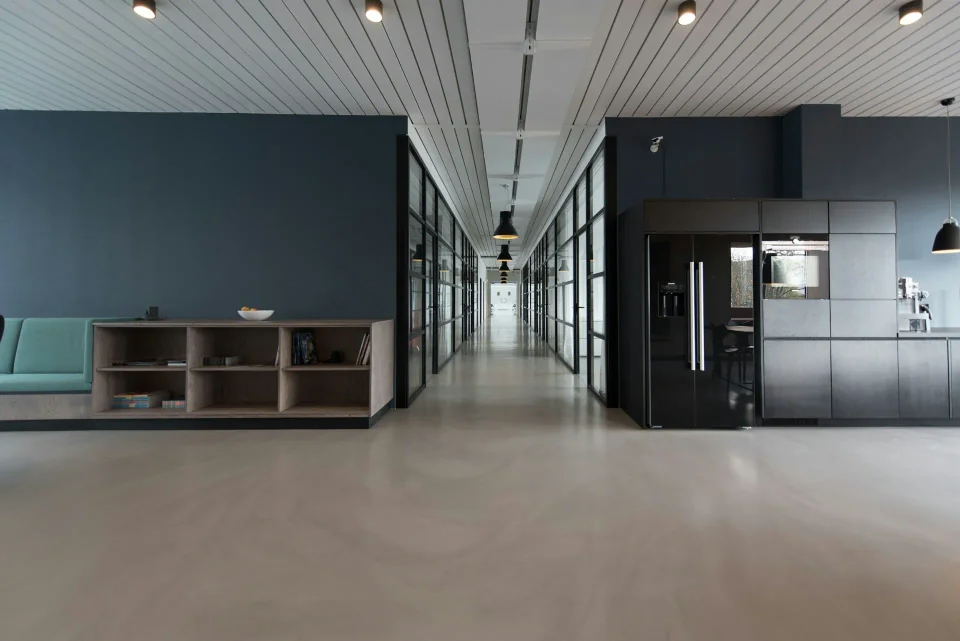
Start with the room, not the specification sheet
The first question is not which camera to buy; it is how the room is used. Measure the distance from the camera position to the nearest and farthest participant, note the width of the table and where the display sits. These measurements determine the field of view and resolution you actually need.
A lens placed too high, behind the display or at one end of a long table will underperform regardless of its specification. Walk through the room as a participant would: where you sit, where the far end appears and where daylight or ceiling lights create contrast.
- Shortest and longest face distance
- Camera and display height
- Window and backlight direction
- Where speakers normally sit
Decide who operates the room
A room used by different people every day needs a constrained workflow: one cable, one host and one clear start procedure. A room supported by an AV team can tolerate more configuration, because someone is available to recover it.
Choose the operating model before comparing features. If a visitor must join with their own laptop, the camera should connect over USB, the cable length should be tested and the host selection should be obvious without instructions.
Choose the capture role
Front-of-room cameras cover the people facing the display and suit rooms where participants sit in rows or along one side of the table. Panoramic cameras cover a wider arc and suit round tables or rooms where people face different directions.
AI framing is an operator, not a substitute for placement. On-device detection can keep every participant in frame and follow the active speaker, but it works within the physical coverage of the lens. Choose the coverage first, then let auto-framing adapt within it.
Match the camera to the host and platform
Record the hosts the room will use: the meeting application, the operating system and whether the camera connects directly or through a hub. USB cameras depend on driver support and host bandwidth, so the tested configuration matters more than the connection name.
If the room has an installed PC, confirm the camera works with the exact cable, hub and software versions in place. For bring-your-own-device rooms, the same device can behave differently on different laptops, which is why compatibility evidence should name the tested configuration.
Account for audio as well as video
The far end hears the room before they judge the picture. Check microphone pickup against the table layout and confirm echo cancellation handles the room when several people speak at once.
Hard surfaces, air conditioning and distance from the table all change audio quality. A camera with good video but weak pickup will fail the first real meeting, so treat audio and video as one procurement decision.
Plan mounting, cabling and service
Confirm mounting height, cable route and power before purchase. A camera that cannot be mounted where it is needed, or cannot be serviced without closing the room, becomes an operational problem.
Ask how firmware updates are delivered, what the support process covers and whether a spare unit is practical for your room count.
Pilot before standardising
Test the exact host, cable, meeting application and room layout for at least a week. Record what passed, what failed and which settings must remain locked before purchasing at scale.
- Join and cold-start time
- Camera and microphone selection
- Far-end audio quality
- Recovery after cable or host changes
Questions to put to a vendor
Use the same questions for every vendor so answers can be compared on equal terms.
- Compatibility records naming the exact product, operating system and application versions
- Certification or listing reference where a platform programme exists
- The datasheet revision that matches the unit you are buying
- Warranty, update and support terms in writing
- A pilot or demonstration in a room comparable to yours
Turn the brief into a decision
Combine the room measurements, the operating model and the vendor questions into a one-page brief. Send it to each vendor and compare answers against the same criteria. The camera that fits the room, the host and the daily workflow is the right starting point.
Resources
Let’s define the room.
Tell us about your rooms and how your teams meet. We will help you choose, plan and standardise the right cameras.